

Simple but powerful tips and tricks for Microsoft Excel
Hey! Hope you all are doing good.
While I was learning my XAMK classes, I noticed that many of my classmates and even some people I interacted with were struggling with Microsoft Excel. So, in this article I am going to write about a few tips for everyone who is just starting to learn Microsoft Excel.
=Sum(cells): This formula in excel adds all the cells inside the brackets. Just put the cells you want to add separated by comma inside the bracket. Example, if I want to add the cells A2, A3 and A4, I will click on a new cell and type =sum(A2, A3, A4).
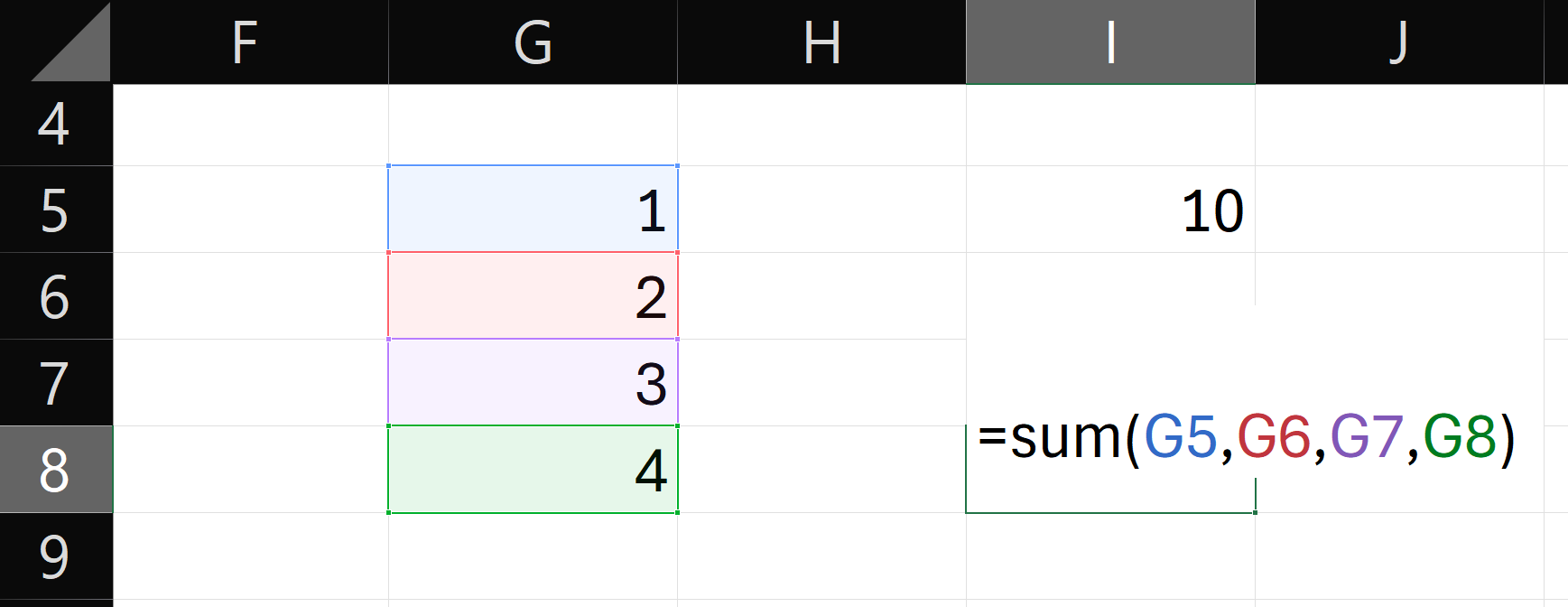
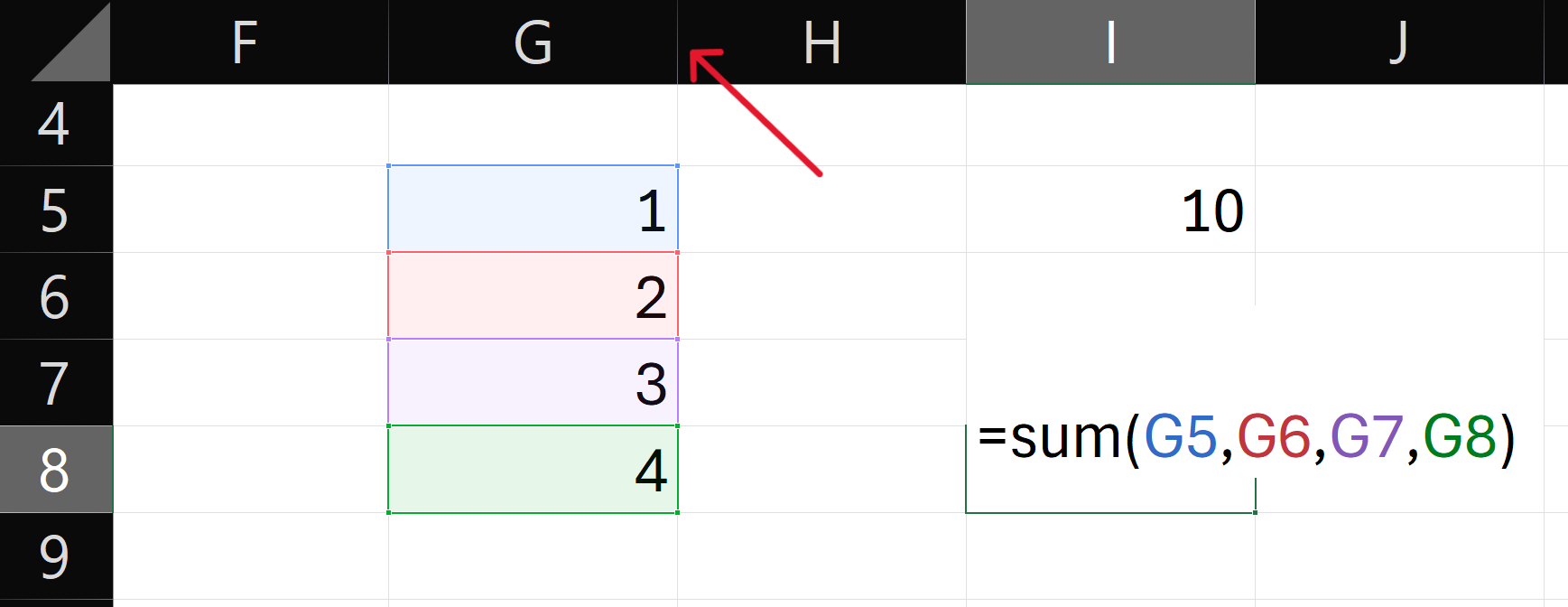
Auto adjust column width: Double clicking in any column’s bar, will adjust its cell size to fit the largest text in the column. The column bar is a thin vertical line before any cell, and hovering over it with your mouse will make the cursor change its icon.
Copy, Cut and Paste Shortcut: Press Ctrl + c to copy, Ctrl + x to cut and Ctrl + v to paste any text.
Symbols: You can insert more symbols than $ in the insert > symbol. You can also insert symbols not available on the keyboard from there.
Hyvää päivää ja kiitos kun luit!

- Simple but powerful tips and tricks for Microsoft Excel - 25th September 2026
- From Elation to Adaptation, here is my life journey in Finland - 18th September 2026